4 min read
Omegle web: how to video chat online from any browser
Omegle has always been a website. No download, no account: you open a tab, allow your camera and you're in a free video chat with a stranger.
That's still how it works here. This is the full how-to for Omegle web on a computer, a phone or a tablet, plus fixes for the stuff that goes wrong.
What you need
Not much.
- A recent browser: Chrome, Edge, Firefox or Safari all work.
- A webcam and a microphone. Most laptops and every phone already have both.
- A connection that allows video calls. Home Wi-Fi and mobile data are almost always fine.
- Being 18 or older. Omegle is adults only.
Omegle web on a PC or Mac
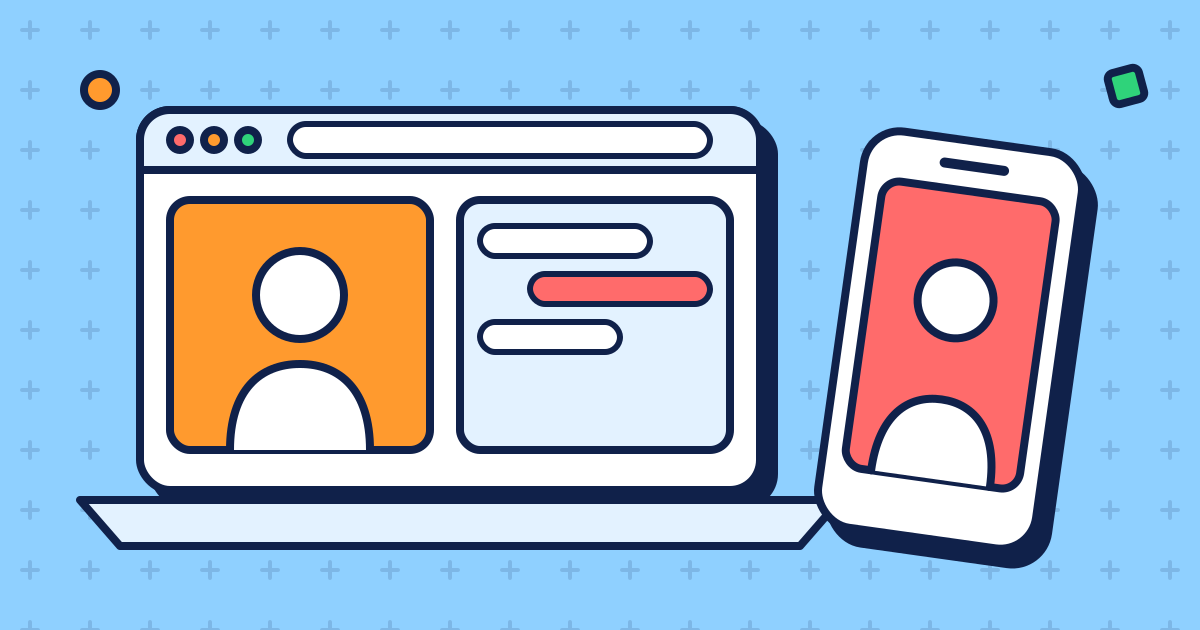
Open the home page and pick video chat, or go straight to /video. Press start. Your browser shows a pop-up asking to use your camera and microphone: click Allow.
A few seconds later you're looking at a stranger. The text box sits next to the video if you want to chat online by typing as well. Press Esc to skip to the next person, or Stop to end it.
Use headphones if you can. Without them your speakers feed into your mic and the stranger hears themselves echo.
Omegle on your phone or tablet
Same thing, in the mobile browser. Open the site in Safari on an iPhone or iPad, or Chrome on Android, tap start and allow the camera and mic.
If the browser never asks, the problem is usually one level up: the browser itself isn't allowed to use the camera. On iPhone check Settings, then Safari (or your browser), then Camera and Microphone. On Android check the app permissions for your browser.
Video chat on mobile data works fine, but it uses data. Keep an eye on it if your plan is small.
Keyboard shortcuts and controls
Omegle web is built so you can chat online without hunting for buttons. Once you're matched, the controls sit next to the video.
Two things are worth knowing on day one. Esc skips to the next stranger, the same way it did on the original. And the mic button mutes you with one click: the stranger sees a muted badge, so they know you're still there and just quiet.
On a phone there's no Esc key, so you tap Next instead. Stop ends the chat completely and takes you back to the start screen.
Is there an Omegle app?
No. There's no official Omegle app, from us or from the original Omegle. The web version is the whole thing.
App stores are full of apps with "Omegle" in the name anyway. Some are just other chat services, some are stuffed with ads, and some want a subscription before you can talk to anyone. Be careful with anything that:
- asks for payment or a "premium" plan to start a chat
- wants you to log in with Google, Facebook or Snapchat first
- asks for access to your contacts or photos, which a video chat doesn't need
- calls itself the official Omegle app. The original closed in 2023, and it never had one.
When the camera doesn't work
The usual suspects, in order of how often we see them:
- Blocked permission. Click the lock or camera icon next to the address, set camera and microphone to Allow, and reload.
- Camera in use. Another app has the webcam. Close Zoom, Teams, Discord calls and other tabs using the camera, then start again.
- Black screen from the stranger. Give it a few seconds. Still black? Their camera may be covered, or their network blocks video. Press Esc.
- Nothing connects at school or work. Video uses a separate connection that many school, office and public Wi-Fi networks block. Switch to mobile data or another network.
Getting a better chat for video
Light makes a bigger difference than any webcam upgrade. Sit facing a window or a lamp, not with it behind you. Put the camera at eye level so the stranger isn't staring up your nose.
Then say something better than "hi". Our Omegle icebreakers give you 30 openers that work.
Free, but not unwatched
Omegle web is free and there's no account. That doesn't mean nothing is stored: chats are recorded for moderation and deleted after 30 days. The privacy policy spells it out, and the nudity filter explains the 18+ switch next to the video.
Read the safety tips once, then start a free video chat.